Is the Samsung Galaxy S20 Ultra Still Worth Buying Used in 2026?
When Samsung launched the Galaxy S20 Ultra in early 2020, it was the most ambitious phone the company had ever made. It had a huge screen, a 108-megapixel camera, a periscope zoom lens and a battery big enough to calm anyone who worried about running flat before evening. Six years later, it still turns up regularly in the second-hand market, often as an ex-UK or locally used unit, and it still looks impressive on paper.
The real question is whether that old flagship makes sense today, when a brand-new mid-range phone comes with fresh software and a warranty. The honest answer is: sometimes, for the right buyer, and only if you check the individual handset carefully. This guide walks through what the S20 Ultra still does well, what has aged, and how to inspect one before you hand over your money.
Why an old flagship still tempts buyers
Flagship phones are built to a higher standard than budget models. They get better screens, better cameras, stronger frames and more premium materials. When they reach the used market a few years later, those advantages do not disappear. A well-kept S20 Ultra can still feel more solid and look more refined than many new phones in the middle of the market.
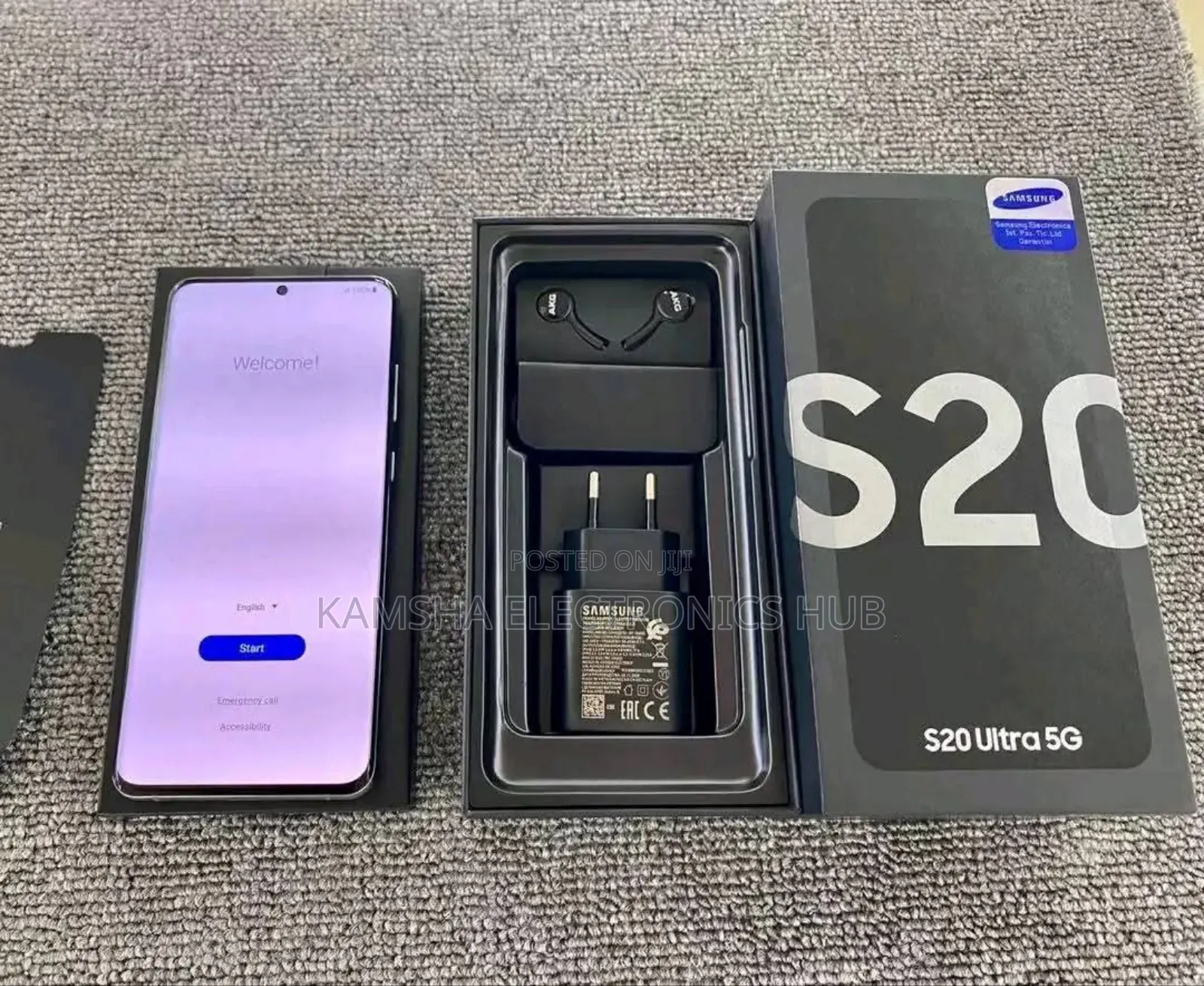
For many people in Kenya, where a lot of phones change hands through personal sales, small shops and imports, older flagships are an attractive way to get a premium experience without paying for the latest model. The catch is that age affects the battery, the display and, most importantly, software support. Before you settle on any one unit, it helps to know the typical asking range and condition of phones on offer. If you are shopping in Kenya, browsing current offers for the Samsung S20 Ultra lets you compare storage options, cosmetic condition and seller descriptions side by side, and gives you a realistic sense of typical prices before you negotiate.
What the S20 Ultra still does well
A big, smooth display
The S20 Ultra has a 6.9-inch Dynamic AMOLED panel with a 120Hz refresh rate. Scrolling through social media, news or long chats feels fluid, and the deep blacks and strong colours of AMOLED make video look excellent. Note that 120Hz works at Full HD+ rather than the maximum resolution, which few people notice in daily use.
A camera system that was ahead of its time
The headline feature was the 108-megapixel main camera, paired with an ultra-wide lens and a telephoto lens that offers genuine optical zoom. Samsung marketed “Space Zoom” up to 100x. The extreme levels are more party trick than tool, but moderate zoom in good light is very usable, and daylight shots from the main camera still hold up well against many newer mid-range phones.
Early reviews criticised the main camera’s autofocus, and Samsung issued updates to improve it, so test close-up focus yourself.
Battery capacity and charging
The phone shipped with a 5,000 mAh battery and supports fast wired charging as well as wireless charging. When new, it comfortably lasted a day for most people.
Other practical strengths
- 5G support, which is useful as coverage expands in Kenyan towns and cities.
- Water and dust resistance when new (rated IP68), although seals weaken with age and any past repair.
- A microSD card slot, which many newer flagships no longer offer.
- Plenty of RAM for multitasking, depending on the variant.
One thing the S20 Ultra does not offer is S Pen support. If you want stylus input, you need a different model, such as a phone from the Note range or a later Ultra model designed for it.
What has aged
Software support has ended
This is the biggest consideration. The S20 Ultra launched with Android 10 and received several major Android upgrades during its support period. That period is now over. The phone no longer receives major Android upgrades, and Samsung’s regular security support for it has wound down. It will keep working, but it will not get fixes for newly discovered security problems.
For browsing, calls, M-Pesa and messaging, many people accept that trade-off. If you rely heavily on mobile banking or handle work data, a phone that still receives security patches is the safer choice, and some apps may eventually drop older Android versions.
Exynos and Snapdragon versions
Samsung sold the S20 series with two different processors depending on the region: its own Exynos chip in some markets and a Qualcomm Snapdragon chip in others. At launch, many reviewers found the Snapdragon version ran slightly cooler and was more efficient on battery. Imported units can come from either region, so check the model number in Settings under “About phone” and ask the seller which version it is.
Battery wear
Lithium-ion batteries lose capacity with every charge cycle. A six-year-old battery that has been through heavy use may deliver noticeably less than a full day. Heat speeds up this wear. Budget for a battery replacement at an authorised or reputable repair centre if the one in your phone is tired.
How to check a used S20 Ultra before buying
A careful inspection matters more with an older flagship than with almost any other phone.
- Check the IMEI. Dial *#06# and compare the number shown with the one on the box and in Settings. Mismatches are a warning sign, and so is a seller who refuses to let you check.
- Inspect the screen carefully. Open a plain white image, then a plain grey one, at full brightness. Look for burn-in (faint ghost shapes of the keyboard or status bar), discoloured patches, or thin vertical coloured lines. Some Samsung AMOLED panels have developed a green or pink line after years of use, sometimes following a software update or a knock. Such faults usually mean a screen replacement, which is expensive on this model.
- Test all cameras. Switch between the main, ultra-wide and zoom cameras. Check focus on close objects, record a short video and listen to the audio. Look for dust or moisture inside the lens covers.
- Look at battery behaviour. Samsung phones do not show battery health as simply as some rivals, but the Samsung Members app offers diagnostics that can help. Watch how quickly the percentage drops during your test, and check whether the phone gets unusually hot.
- Confirm the phone is not locked. Make sure the previous owner has signed out of their Google and Samsung accounts and that the phone has been reset. A phone locked to someone else’s account can become useless.
- Check for signs of previous repairs. Uneven gaps around the screen, a slightly different colour tone, or a back glass that does not sit flush can indicate that the phone has been opened. This may affect water resistance and reliability.
- Test calls, SIM and charging. Make a call, insert your SIM and try wired and wireless charging.
Watch out for fakes and misdescribed units
Popular flagships attract imitations. A genuine S20 Ultra will show the correct model details in Settings, run Samsung’s One UI software, and have a working Samsung Members app. Be cautious with prices that seem far too low or software that looks slightly “off”. Meet in a safe, public place, take your time, and never pay in advance for a phone you have not inspected.
Looking after an older flagship
- Use a good case and screen protector. Replacing the curved screen is costly, so protection is worth it.
- Avoid heat. Do not leave the phone on a matatu dashboard in the sun or charge it under a pillow.
- Use a decent charger and surge protection. Power fluctuations can damage chargers and, in rare cases, the phone itself.
- Be careful with links and downloads. Without security updates, it is sensible to install apps only from the Google Play Store and to avoid suspicious links in messages.
- Do not trust the old water rating. Keep the phone dry during the rainy season, especially if it has been repaired.
Who should consider it, and what are the alternatives?
The S20 Ultra makes the most sense for someone who values a large, high-quality screen and good daylight photos, understands the software situation, and is happy to replace the battery if needed. It can also work well as a secondary phone for media and photography.
It is less suitable for anyone who needs long-term security updates or prefers a light phone. In those cases, consider:
- A newer Samsung Galaxy A-series mid-range phone, which will be supported with updates for longer.
- A later Galaxy S model, such as an S21 or S22 generation device, which offers similar flagship qualities with a longer remaining support window.
- A newer phone from another major brand with a long update commitment.
The bottom line
The Galaxy S20 Ultra is still a capable phone with a superb display, strong daylight cameras and premium build quality. But it is now an older device that no longer receives major Android upgrades, and its security support has ended. If you find a genuine, well-kept unit with a healthy screen, working cameras and an acceptable battery, and you understand the software trade-offs, it can still offer a flagship-style experience. If long-term support matters most to you, a newer phone is the more sensible buy.