How to Use Multiple WhatsApp, Facebook, Snapchat Accounts on Android
Tired of logging in and out of different social media accounts, you’re not alone. Learning how to use multiple WhatsApp, Facebook, and Snapchat accounts on Android can save you time and simplify your life.
This article will provide you with practical steps to manage all your accounts smoothly. By the end, you’ll have the tools you need to enjoy all your social media without the stress.
How to use Parallel Space to run multiple iterations of an app
To use Parallel Space for running multiple iterations of an app, start by downloading it from the Play Store. Once installed, open the app and tap on “Start” to see an introduction to its features.

This will lead you to the “Clone apps” page, where you can select the app you want to clone, like WhatsApp.

After choosing the app, you’ll see it added to the home page of Parallel Space. Simply tap on it to open and sign in with your second account.

Parallel Space allows you to run multiple accounts on various apps and even provides separate notifications for each cloned app. This means you can receive notifications for both your original and cloned apps without them getting mixed up.

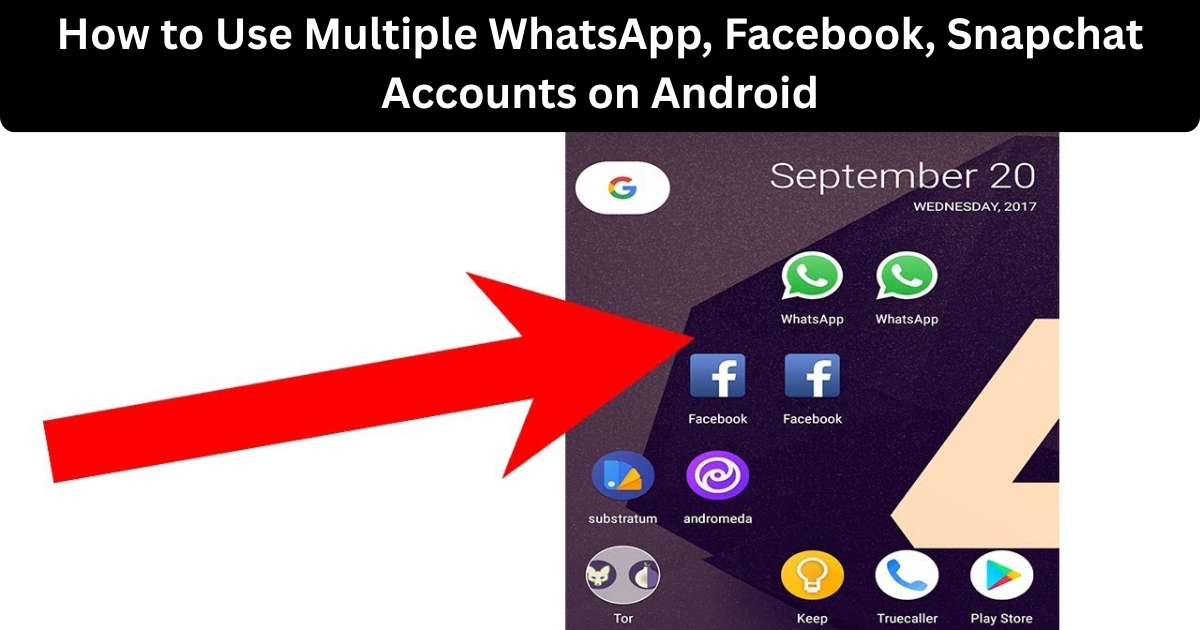
You can add these cloned apps to your home screen, making them easily accessible. Just keep in mind that you can only clone one version of each app, so you’ll have two accounts in total for that app.

Parallel Space is powered by a system called MultiDroid, which makes it unique in how it manages these clones. Besides app cloning, it offers features like blocking notifications or putting apps in “Do Not Disturb” mode, giving you more control over your devices.
Other Parallel Space Features to Note
- Incognito App Installation
- Lock Parallel Space
- Task Manager
- Incognito App Installation
Using the “Incognito installation” feature in Parallel Space is a great way to keep certain apps hidden from others who might use your phone. To get started, open Parallel Space and click on the second floating icon on the main page. From there, you can search for the app you want to install and hit the install button in the Play Store. This will download the app directly into Parallel Space.

Once the app is installed, don’t forget to uninstall it from your main Android system. This step is important because it ensures that the app only exists within Parallel Space, keeping it off your home screen, app drawer, and settings page. This way, you can use the app privately without anyone knowing it’s on your device.
2. Lock Parallel Space
To lock Parallel Space with a pattern password, start by opening the app and clicking on the three-dot menu button at the top. From there, select the “Password” option.

This lets you set up a pattern that keeps your dual social media accounts and private apps safe from prying eyes. It’s an easy way to ensure your privacy while using the app.
3. Task Manager
The Task Manager in Parallel Space is really handy for keeping track of your apps. It shows you which apps are running and how much memory they use. If an app is using too much RAM, you can easily stop it to free up space.

The Storage option also helps you see how much memory all the apps inside Parallel Space are taking up, making it easier to manage your device’s storage.
Read More: How to Get Portrait Mode on Snapchat?
Clone and hide apps with Parallel Space
Parallel Space is a great app that lets you use multiple accounts for social media and games easily. With it, you can run different WhatsApp, Snapchat, and Facebook accounts without any hassle. It offers the added benefit of hiding your apps from others, keeping your privacy intact. Try it out and see how it works for you.
Conclusion
Using multiple accounts for WhatsApp, Facebook, and Snapchat on your Android phone is now more accessible than ever. This guide has provided you with the tools to create and manage several accounts easily. With options like app cloning and multiple users, you can enjoy the benefits of each platform while keeping your accounts organized.