How To Block Someone On Snapchat | Explained!
Did you know that one in four Snapchat users has experienced harassment or unwanted messages? If you’re among those feeling overwhelmed by interactions on this popular platform, learning how to block someone on Snapchat can make all the difference.
Whether it’s a pesky acquaintance or someone you’d prefer to keep at a distance, blocking them ensures a more enjoyable experience.
The growing complexity of Snapchat’s features, from Snap planets to Snapchat planets, may leave you confused, but mastering the blocking process is essential for your peace of mind.
How To Block Someone On Snapchat
Blocking someone on Snapchat is a straightforward process, designed with your comfort in mind. To initiate this:
- Navigate to an ongoing chat and tap on the profile icon, either a Bitmoji or the user’s photo.
- This action leads you to their profile page, where you can find the three-dot icon in the top right corner.
- By selecting “Manage Friendship,” you can easily access the option to block the individual.
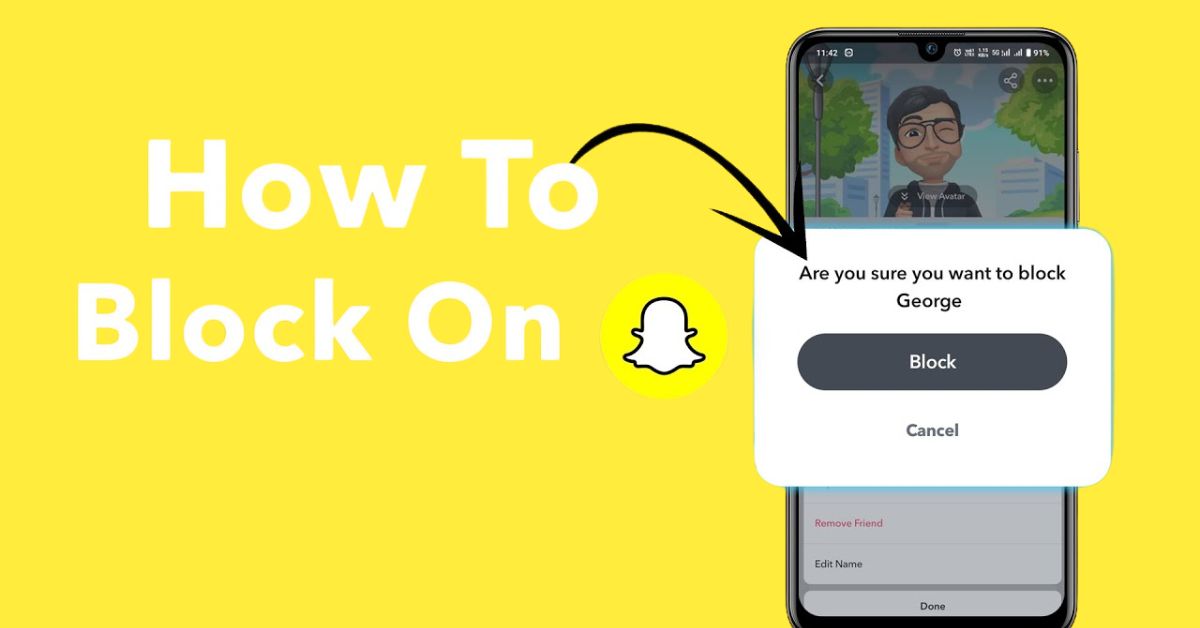
- Once you confirm your decision by tapping “Block” in the pop-up message, the user will no longer be able to see your snaps, stories, or connect with you.
Other Ways To Block Someone On Snapchat
To block someone on Snapchat, you typically navigate to the Manage Friendship section, but there are several other pathways to reach this crucial point.
Method 1: Block Snapchat User From Chat Screen
Blocking a user on Snapchat directly from the Chat screen streamlines the process, making it quicker and more intuitive.
- Simply long-press on the chat of the person you wish to block.
- select “Manage Friendship,” and then tap “Block” to confirm.
This method not only saves time but also keeps you from navigating through multiple profile screens, enabling you to take control of your digital interactions with just a few taps.
Method 2: Block Someone on Snapchat via Snap Maps
An effective method to block someone on Snapchat is through Snap Maps, which provides a unique way to access their profile directly.
- To start, simply open the Snap Map tab within Snapchat and locate the Bitmoji of the user you intend to block.
- Once you’ve found them, tap on their Bitmoji to expand their location details.
- This action reveals their profile, allowing you to take immediate steps to ensure your Snapchat experience is comfortable.
- After tapping on their Bitmoji again to access their profile, you can easily navigate to the necessary settings to block them.
This approach not only simplifies the process but also allows you to maintain control over your friend list and interactions.
Method 3: Block Snapchat User Directly from their Story
If you find yourself overwhelmed by unwanted content on Snapchat, blocking a user directly from their story can be a swift and effective solution.
- By navigating to the Discover screen, you can long-press on a person’s story and select “Manage Friendship.”
- From there, simply choose the “Block” option and confirm your action.
This method streamlines the process, allowing you to maintain a clutter-free feed while keeping your interactions relevant and enjoyable.
What Happens When You Block Someone?
When you block someone on Snapchat, a range of significant changes occur that can transform your experience on the platform.
Primarily, your profile becomes completely inaccessible to the blocked user, effectively shutting them out of your digital space.
Not only are they removed from your Friends list, but you also cut off any incoming messages, snaps, or friend requests from them, creating a bubble of privacy.
Their inability to see your shared stories means that they’re left in the dark about your life updates, and crucially, they won’t see your Snapscore or any profile changes you make, ensuring your digital presence remains untouched by them.
Conclusion
Blocking someone on Snapchat is a straightforward process that allows you to manage your social interactions effectively. By following the steps outlined on how to block someone on Snapchat, you can ensure your privacy and comfort within the app.
Whether it’s to eliminate unwanted messages or to create a healthier online environment, taking control of your Snapchat experience is essential.
Remember that you can always unblock users later if you change your mind. Don’t hesitate to implement these steps today for a better Snapchat experience!
FAQs
Will blocking someone remove our previous messages?
No, blocking someone does not delete previous messages; they will still appear in your chat history.
What happens to Snap streaks after I block someone?
Blocking someone will end your Snap streak with them, as you won’t be able to send or receive Snaps.
Is there a way to report someone before blocking them?
Yes, you can report someone by going to their profile, tapping the three-dot icon, and selecting “Report” before blocking them.