How To Add Music To A Snapchat Post Or Story | Mystery Solved
Ever wondered why some Snapchat stories seem to pop while others fade into the background? The secret often lies in the music that accompanies them! Mastering how to add music to a Snapchat post or story can be the key to standing out in a sea of content.
Whether you’re showcasing your adventures or just sharing a laugh with friends, incorporating the right soundtrack can amplify your message. Dive into the world of Snap planets and discover how to make your snaps sing!
How To Add Music To A Snapchat
Adding music to your Snapchat posts is a fantastic way to elevate your content and convey your mood or message.
- Open the app and record a video or take a photo using the large circle button.
- To upload from your gallery, tap the gallery icon on the left.
- Look for the music note icon on the right side to add music.
- Browse the music library for popular sounds or use the search bar for specific tracks.
- After selecting a song, use the slider to choose the part you want.
- Adjust the audio sticker’s size and position by pinching and dragging.
- Once satisfied, send it to friends or share it on your Story for an unforgettable experience.
Step 1: Create A Post Then Tap The Music Button
Once you’ve opened the Snapchat app, dive right in by crafting a post, whether that’s snapping a quick photo or recording a moment-filled video. You can also access your past memories or upload something from your phone that captures the essence of your day.
This flexibility allows your creativity to shine, allowing you to encapsulate your experiences in ways that resonate with your audience.
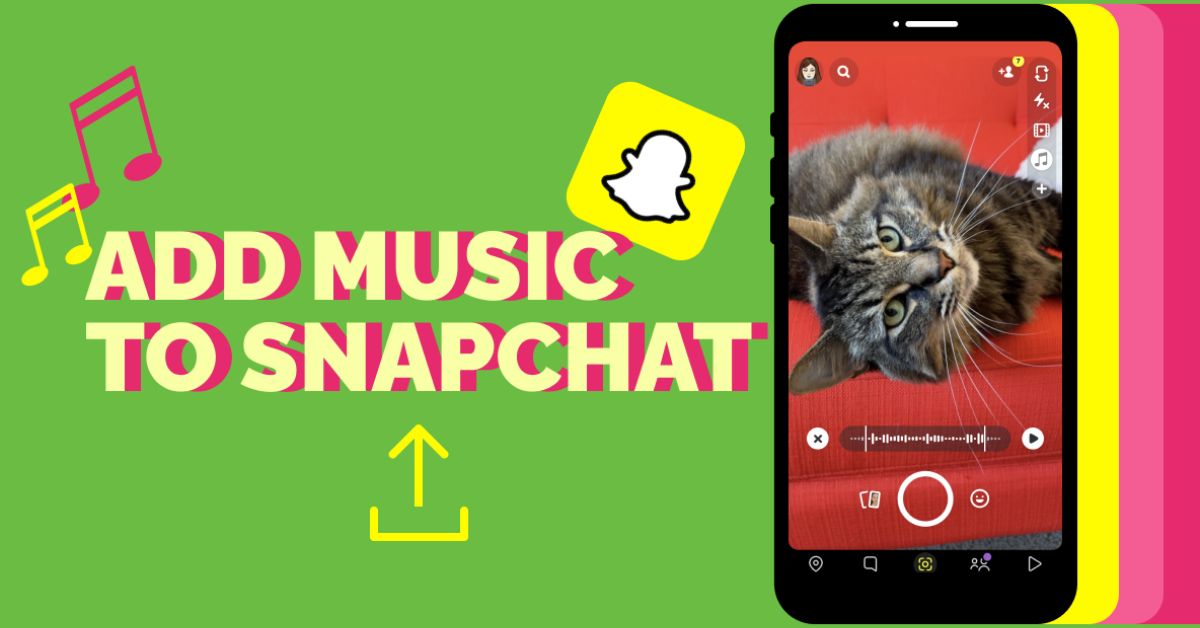
After you’ve perfected your clip, look for the music button, one of the sleek white icons to the right of the screen.
Tapping this opens a treasure trove of soundtracks and audio snippets that can elevate your post from ordinary to extraordinary.
Step 2: Pick A Song
Once you’ve opened the music page, the world of sound is at your fingertips. If you already have a specific song in mind, the search bar at the top lets you type it in swiftly.
But if inspiration hits you like a lightning bolt, Snapchat’s curated themed playlists are a goldmine for discovering tracks that resonate with your mood or the message you want to convey. At the bottom of the screen, popular songs await, often reflecting current trends and hits that everyone is buzzing about.
When you stumble upon that perfect tune, tapping on it is all it takes to elevate your post. Remember, the right song can transform a simple snap into an emotional experience, striking a chord with your audience.
Step 3: Edit The Music Sticker
Editing the music sticker is a crucial step in making your post resonate emotionally with your audience. Once you’ve chosen your song, you’ll return to the editing screen where you can customize the way the sticker appears.
You have three unique display options to choose from, whether you want it large and prominent or more discreet, the choice ultimately determines the mood of your post.
A carefully selected appearance can either draw your audience in or blend seamlessly into your aesthetic, so think about how it aligns with your overall message.
Conclusion
Adding music to your Snapchat posts and stories is a simple yet effective way to enhance your content and captivate your audience. By following the steps outlined above, you now know how to add music to a Snapchat, allowing you to express your creativity and set the perfect mood for your snaps.
Whether you’re sharing a fun day out or a special moment with friends, the right soundtrack can make all the difference.
So don’t hesitate to experiment with different songs and soundtracks to find what resonates best with your style. Start incorporating music into your snaps today and elevate your Snapchat game!
FAQs
Do I need a Spotify or Apple Music account to add music?
No, you do not need either account; Snapchat offers a built-in music library for you to choose from.
What types of music are available on Snapchat?
Snapchat offers a diverse library including popular songs, classics, and trending tracks that you can add to your stories.
Can I adjust the volume of the music in my Snap?
Yes, you can control the volume of the music while creating your Snap, allowing you to balance it with any recorded audio.