
Creating Animated Menus from Food Photography
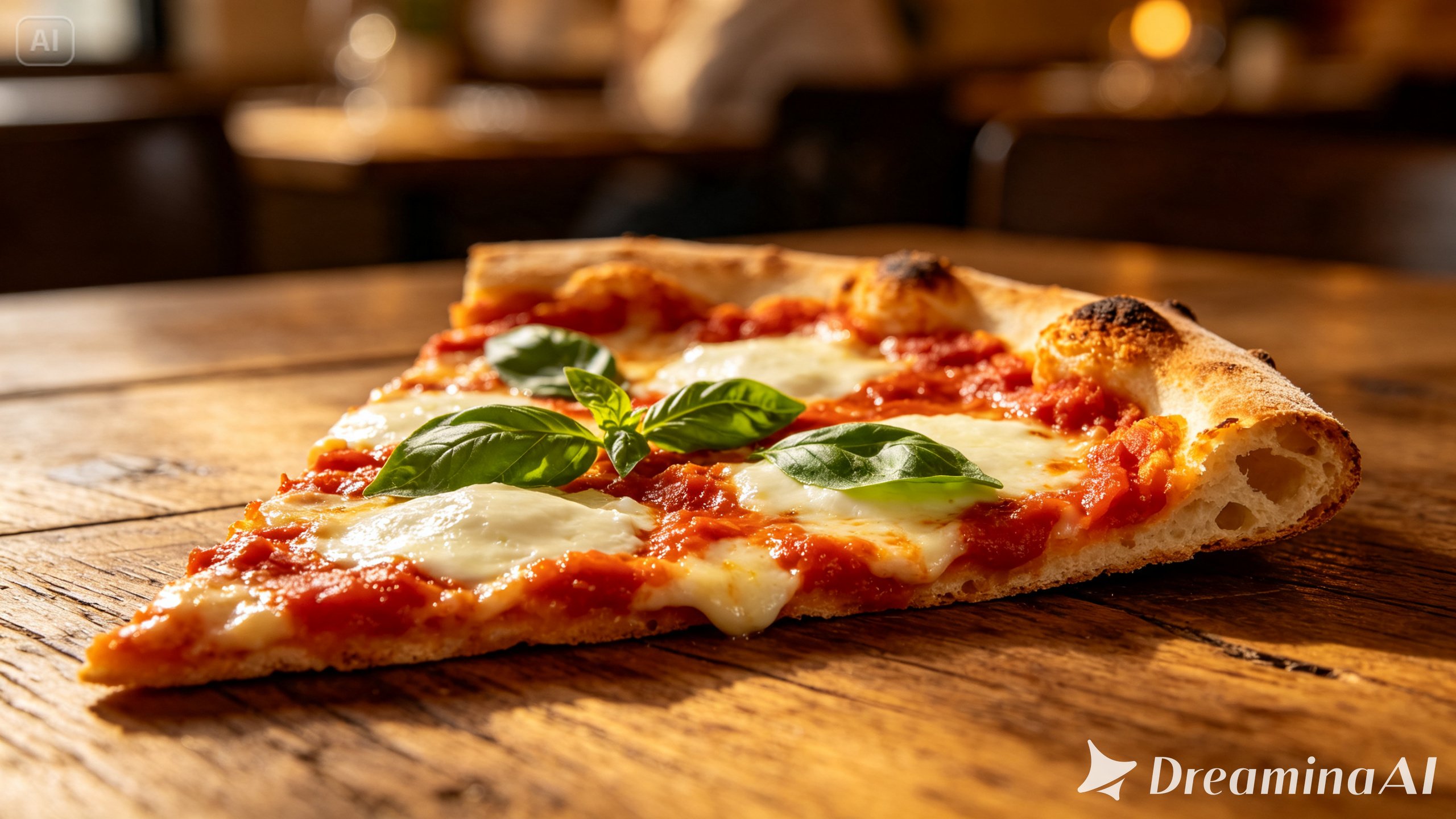
A printed menu tells a diner what a dish is called and what’s in it, but it rarely tells them what it will actually be like to eat. A photo menu improves on that a little, showing color and plating, but it still leaves the most persuasive part — steam, texture, movement — completely out of the picture.
Image to video technology closes that final gap, letting a menu item show itself off the way it would if it were sitting in front of a diner right now.
Dreamina, powered by its latest and most advanced video generation model, Seedance 2.5, is helping restaurants turn flat menu photography into something guests actually want to watch before they order.
Why menus need more than good lighting
A well-lit food photo can make a dish look appealing, but appeal and appetite aren’t quite the same thing. Appetite responds to motion — melting cheese, rising steam, a sauce being drizzled — details that a still photo can only imply, no matter how good the styling is.
What an animated menu item adds to the ordering decision
Turning a menu photo into a short video brings a few specific advantages to the ordering experience:
-
A clearer sense of portion size and plating in a realistic setting
-
Sensory cues like steam or sizzle that suggest smell and temperature
-
A stronger emotional pull toward ordering, especially for signature dishes
Cooking up motion: three steps with Dreamina
Step 1: Upload reference image and write corresponding prompt
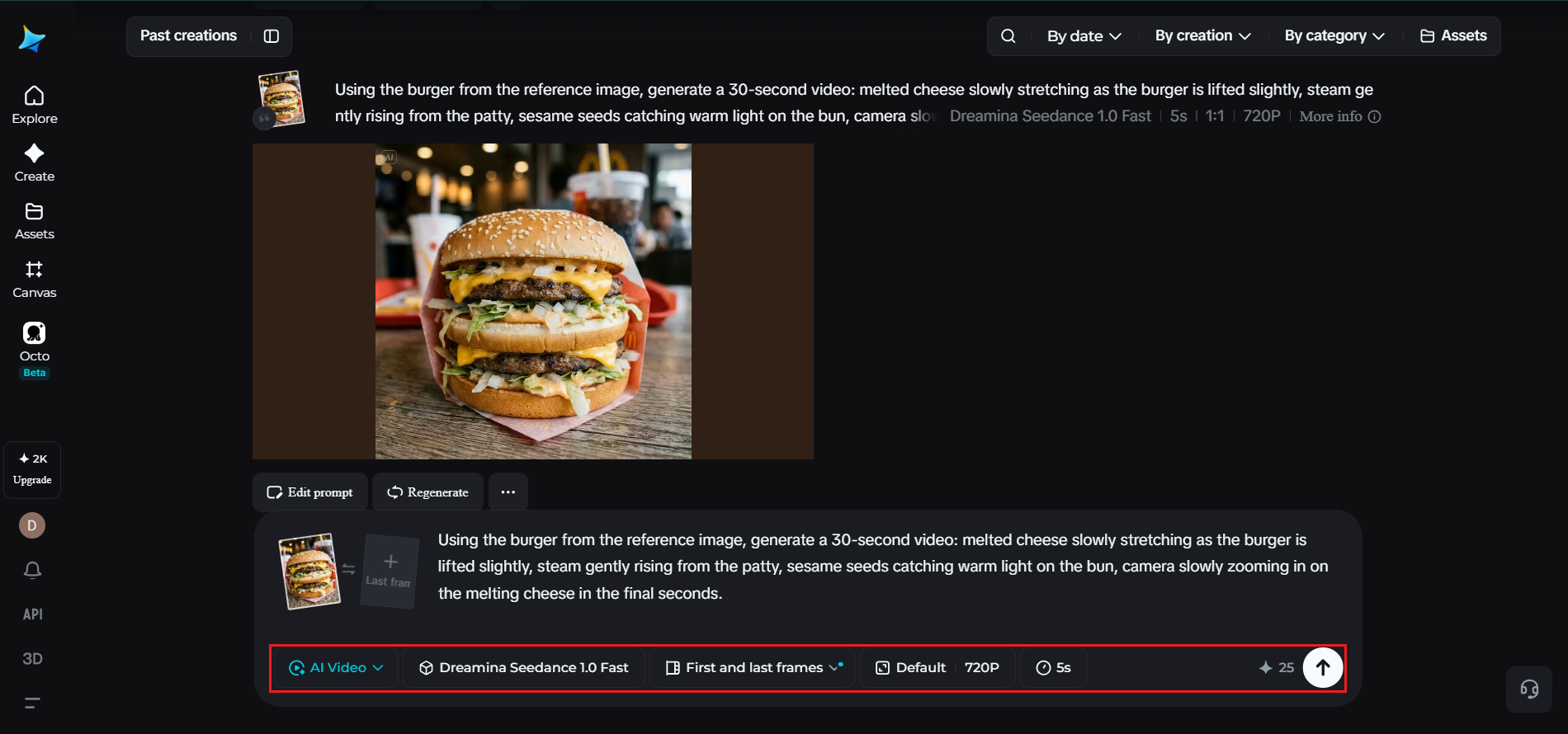
Visit Dreamina and sign in, then head to the “AI Video” section. Click “Add reference image” to upload your photo, then add your prompt to describe the video.
For a 30-second video, try: Using the burger from the reference image, generate a 30-second video: melted cheese slowly stretching as the burger is lifted slightly, steam gently rising from the patty, sesame seeds catching warm light on the bun, camera slowly zooming in on the melting cheese in the final seconds.
Step 2: Generate your video
After adding your image and prompt, choose the Seedance 2.5 model for the generation. Next, choose the video length, then a suitable aspect ratio — pick 16:9 for a website menu page or 9:16 for TikTok and Instagram Reels. Finally, click Dreamina’s icon and wait a few seconds for processing.
Step 3: Enhance & export the video
Polish your video before saving it with Dreamina’s AI editing tools. Use advanced AI tools like Upscale for higher resolution or Generate soundtrack for adding audio. Finally, export and share it on social media platforms.
Inside Seedance 2.5: making menu items look genuinely craveable
Seedance 2.5 brings several improvements that matter specifically for food-based content:
-
A significantly reduced “AI look,” giving sauces, cheese, and steam a more physically believable texture and behavior
-
Clip lengths up to 30 seconds natively, with an “Ultra-long Video Generation (beta)” mode extending that to 180 seconds for fuller multi-angle menu features
-
Precise local editing, so a stray utensil or unwanted prop can be removed without regenerating the whole clip
-
Removal of random, irrelevant subtitles or background music, keeping menu footage clean and ready for branded captions or music
Which menu items are worth animating first
A full menu doesn’t need to be animated all at once. Prioritizing a handful of signature dishes, best-sellers, or visually striking items tends to deliver more value early on than spreading effort thin across every single entry.
Designing a digital menu around motion
A digital or QR-code menu is a natural home for animated dishes, letting guests preview a signature item with a quick tap before deciding what to order. This works especially well for dishes that are harder to describe convincingly in text alone, like layered desserts or dishes with dramatic presentation.
Keeping expectations realistic for what arrives at the table
A menu video should build appetite without overselling a dish beyond what’s actually served. Keeping the animated portion size, plating, and ingredients faithful to the real dish helps avoid the kind of disappointment that can come from marketing that promises more than the kitchen actually delivers.
Using animated menu items across marketing channels
A single animated dish doesn’t have to live only on the menu itself. The same clip can support social posts, delivery app listings, and paid local ads, letting one round of generation support several different points in a guest’s decision-making process.
Involving the kitchen in the creative direction
Chefs and kitchen staff often have the clearest sense of what makes a dish visually distinct, from a particular plating technique to a signature garnish. Involving them in describing the motion for a menu video, rather than leaving it entirely to marketing, tends to produce results that feel more authentic to how the dish is actually prepared and served.
Keeping brand consistency across multiple dishes
As more menu items get animated over time, keeping a consistent lighting style, pacing, and camera approach across all of them helps the collection feel like a cohesive brand experience rather than a set of unrelated clips added at different times.
Where these animated menu items perform best
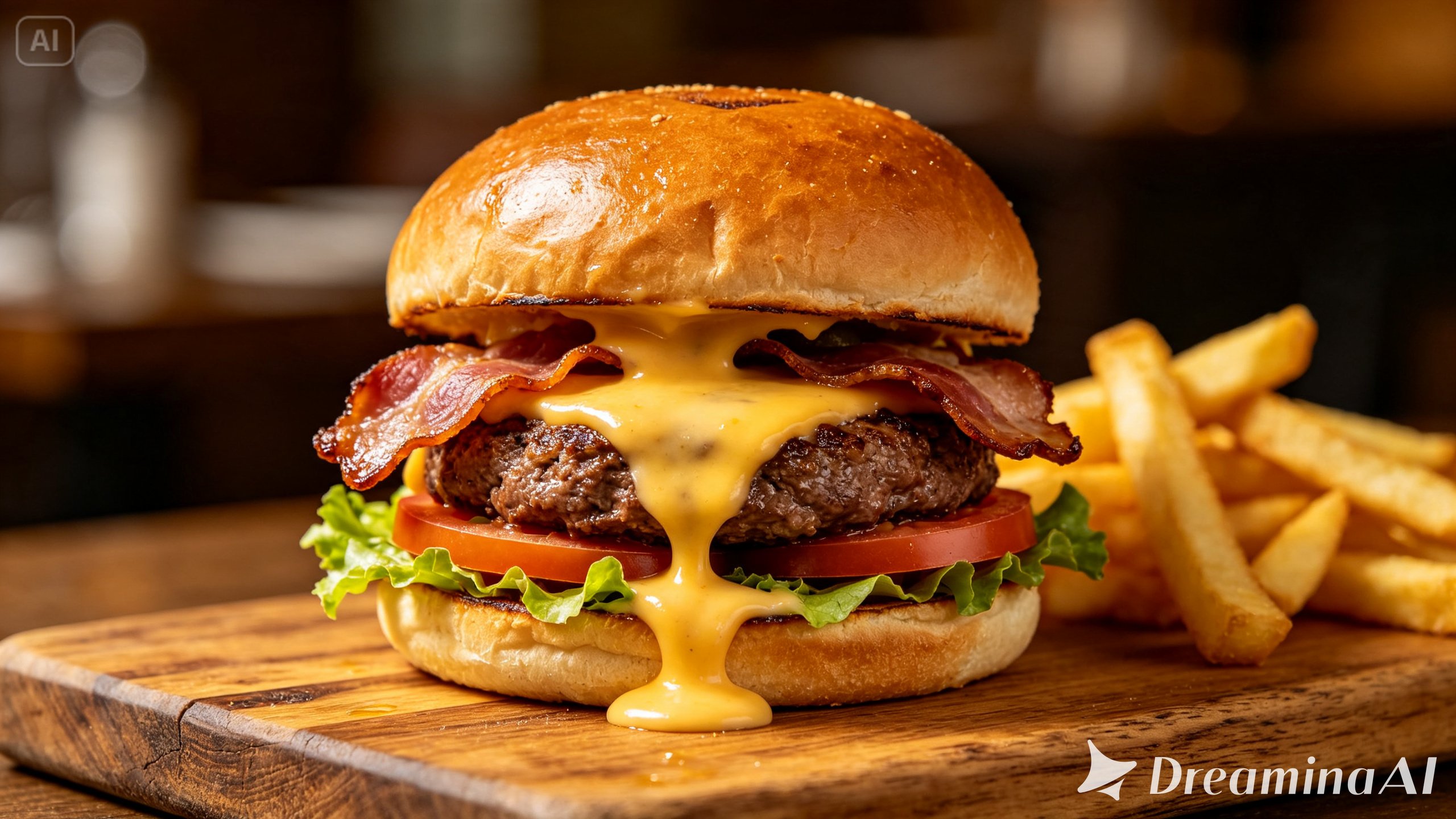
This format works especially well for restaurant websites, delivery platforms, social media pages, and in-venue digital displays, where showing a dish in motion often does more to influence an order than a description or static photo ever could.
Refreshing menu videos as dishes change
Menus evolve with the seasons, and a video built around a dish that’s since been discontinued quickly becomes a liability rather than an asset. Treating menu animation as an ongoing part of the update process, rather than a one-time project, keeps a restaurant’s digital presence accurate as offerings shift throughout the year.
Final thought
A menu was always trying to describe an experience using words and a single photo. With Dreamina and the appetite-driven realism behind Seedance 2.5, that experience can finally be shown directly, giving guests a genuine preview of a dish before it ever reaches their table.