How to Bring a Product Image to Life Without Making It Talk
Static photos do lose attention. Feeds prefer motion. That part of the pitch is fair. The usual fix is not. Upload one face, pick a nod or a wink, type a script, download a talking picture in seconds, free and without a watermark. That is a portrait toy. It is not how a product photograph becomes a clip you can put next to a listing.
A clean face is the wrong requirement when the talent is a bottle, a device, or a garment. Text-to-speech on that bottle does not explain the product. It invents a host. Bringing the image to life, in the useful sense, means the object moves and stays the same object. The brief you already wrote has to survive the trip into the generator.
Two tools get confused with a three-step talking-photo app. One keeps the note inside the coding agent you already use. One generates a timed scene from the still. They are not two face animators.
A photo does not need a mouth to move
Expressive face animation, preset winks, and a library of voices solve a narrow job: a portrait you have the right to animate. Historic pictures, selfies, and lesson avatars can live there. Product shots usually cannot. The label, the count, and the room are the point. A dancing avatar on top of them is a different advertisement.
Cloud tools that skip a download are convenient. Convenience is not a brief. “No technical knowledge” often means the tool guessed the motion, the length, and the crop. Guessing is how a second lid appears. If the image is inventory, start from that file. If the image is a concept with no object yet, say so before you animate it.
Personal messages and profile clips can stay in a consumer app. A shop clip has to survive a second look with the sound off.
Keep the note in the agent, not in a new homepage
You already described the still, the ratio, and what must not change. That note often sits in Codex, Cursor, or Claude Code, next to the copy and the file names. Pasting it into a fresh image-to-video site is how the constraints get shortened to “make it engaging.”
An AI video plugin is the path that stays in that agent. It is not a browser extension and not a tile inside ordinary ChatGPT web chat. Copy the install prompt from the plugin page, finish sign-in, and use Codex if that is the ChatGPT-side agent you have. Plans that block plugins and automation are the wrong door.
The agent keeps the intent. A canvas holds the stills and the takes so the campaign is not only a chat scroll. Skills exist for product spots. If you are not already working in one of those agents, use a normal browser generator and say so. Do not install a plugin to feel faster.
You still review the file. The plugin does not publish it, and it does not turn a portrait into a testimonial.
Move the still for long enough to hold one claim
Once the photograph is honest and the note is in the thread, you need duration and a ratio. A nod is not a scene. A three-second loop cannot carry a feature. Write the seconds in the same message as 9:16 or 16:9.
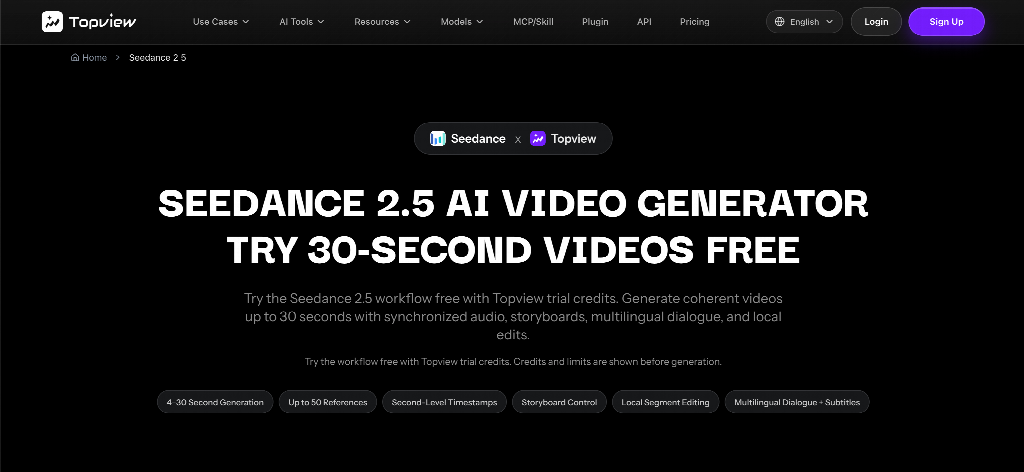
Seedance 2.5 is a multimodal model for about four to thirty seconds from text plus image, video, and audio references, with timing you can write in seconds. Hosted export is typically 1080p-class, not a 4K poster. Attach the product still. Name it as the subject that must not change.
“0–4s the same packshot; 4–14s a slow move on the one feature in the note; 14–22s hold for a caption I will type — no extra hands, no new table, no face.” If second eighteen grows a person who was not in the photo, reject the take. Fix the prompt. Do not add a voice so the mistake feels intentional.
Audio you attach is a reference, not a license. Captions you approve still beat a generated speaker. Eligible trials run on credits you can see before you generate. That is not a promise of unlimited free export, and it is not a promise of a clean file with no mark until you check the plan you are on.
Do not treat Seedance 2.5 as a second plugin. One holds the brief. One shoots the scene.
Who this is for
Creators who already have a still and a sentence in an agent. Small teams who cannot book a shoot for every crop. Educators who need a diagram to move without hiring a cartoon host. Marketers who need the object to match the page.
Skip this path if the job is a speaking selfie, a revived family photograph, or a wink for a group chat. Those are a different category, and a face you do not have the right to animate should stay still.
What to check before you call it alive
Look at the original photo and the clip side by side. Same product. Same count. Same room, unless you asked for a change and can name it. Read the caption. Mute the audio and see whether the motion still makes sense.
Three clicks are fast. They are not a review. If the still was wrong, motion will advertise the error. If the brief never left the agent, you at least know which sentence the model was supposed to obey.
Bring the image to life when the image is the product. Keep that instruction in the plugin. Call Seedance 2.5 when the take has to last as a scene. Share the file you compared to the original — not the one that learned to talk.