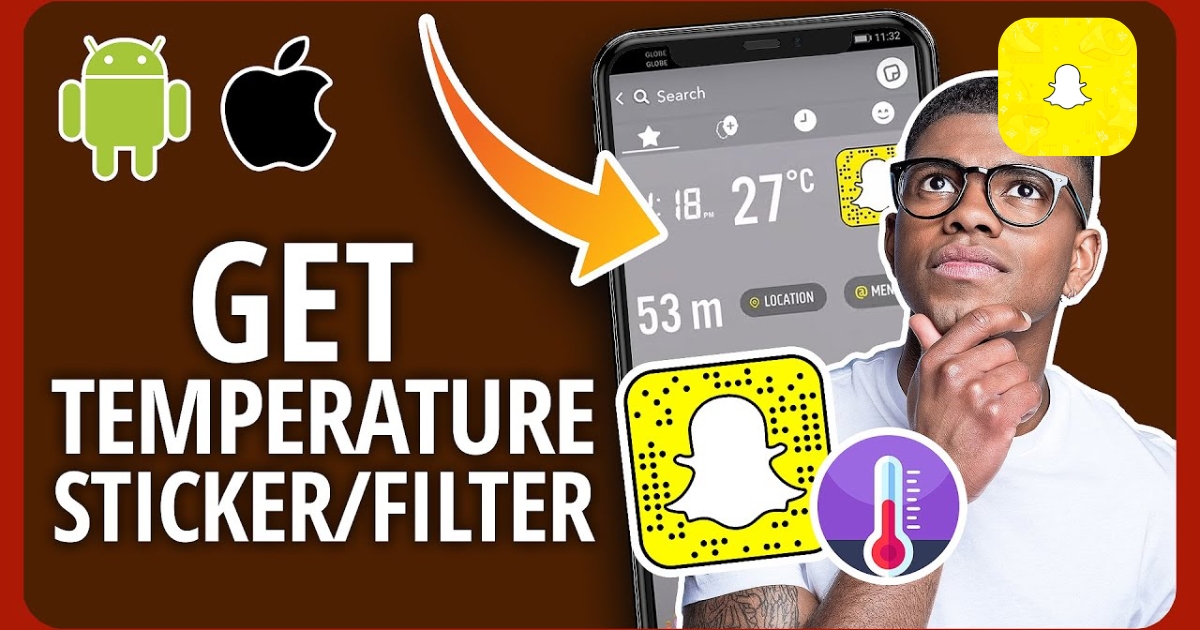
How to find the temperature sticker on Snapchat?
Millions of people use Snapchat daily to share their lives, but not everyone knows about the temperature sticker. Learning how to find the temperature sticker on Snapchat is an easy way to jazz up your snaps. This article will show you exactly where to locate the sticker and how to use it effectively. Get ready to take your Snapchat game to the next level.
How to get the temperature sticker on Snapchat
- To get the temperature sticker on Snapchat, start by opening the app on your phone.
- Take a photo or video snap by tapping the big round button in the center.
- Once you’ve done that, look for the sticker icon on the right side of the screen; it looks like a small square with a smiley face.
- Tap on it, and then scroll through the sticker options until you find the temperature sticker.
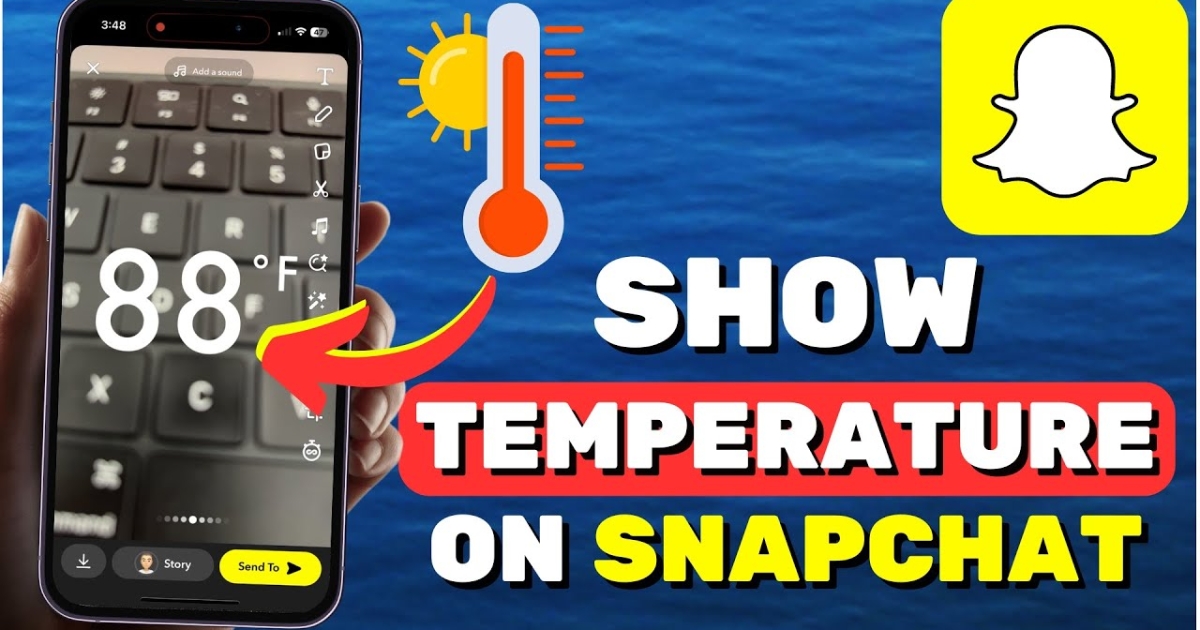
- This sticker will show the current temperature for your location automatically! Just tap on it to add it to your snap.
Read More: How To Add Music To A Snapchat Post Or Story | Mystery Solved
Why you can’t see Snapchat’s temperature sticker
- If you can’t see Snapchat’s temperature sticker, it usually means that your location services are turned off or Snapchat doesn’t have permission to access your location.
- To fix this, first check your phone’s location settings. Make sure that location services are turned on.
- If they are on, then the next step is to check the app permissions for Snapchat.
- Go to your phone’s settings, find the apps section, and look for Snapchat.
- In the Snapchat settings, check if it has permission to access your location.
- If it doesn’t, just give it that permission. After doing this, close Snapchat and open it again. This should help the temperature sticker show up.
Read More: Snapchat Launches Advertising API: What You Need to Know
Final Thought
Learning how to find the temperature sticker on Snapchat is simple and fun. You can easily access it by opening the app and swiping right to enter the camera mode. Once there, tap on the sticker icon at the top right corner, and you will see a range of stickers to choose from, including the temperature sticker. After selecting it, you can place it anywhere on your snap.
Now you can share the weather with your friends in a creative way. Give it a try and enjoy your snaps.