How to Get Portrait Mode on Snapchat?
How to Get Portrait Mode on Snapchat is essential if you want to capture stunning photos that make your subjects pop against a beautifully blurred background.
If you find yourself scrolling through your feed, envious of the crisp, aesthetic portraits your friends post, you’re not alone.
I’ll explore the steps to unlock Portrait Mode on Snapchat, ensuring your snaps look professional and eye-catching.
What is Portrait Mode on Snapchat?
It’s a feature that transforms standard photos into striking portraits by softening the background.
If you own an iPhone with Face ID, such as the iPhone X and later models, you’ll find Portrait Mode enabled by default on Snapchat.
For other users, you may need to activate it manually, while Android users currently don’t have access to this feature.
Read More: Snapchat Announces New Specs Brand for AR Glasses
How to Get Portrait Mode on Snapchat?
To get Portrait Mode on Snapchat using your iPhone, follow these simple steps:
- Open the Snapchat camera.
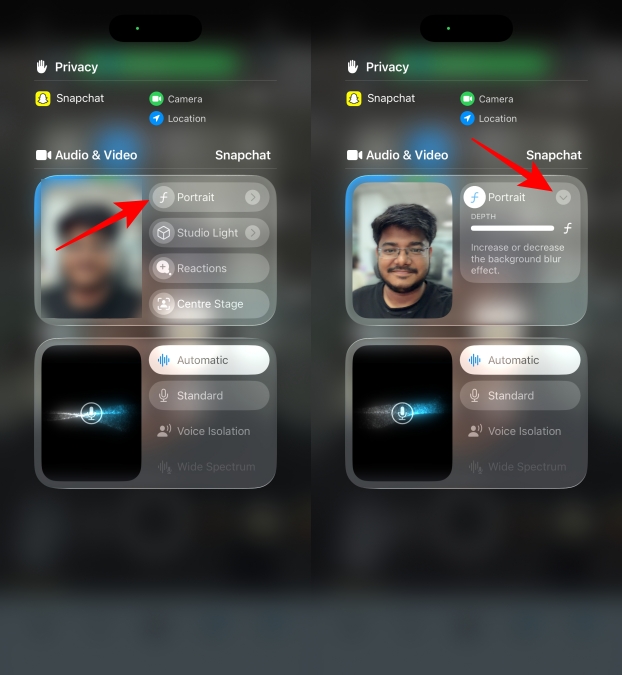
- Swipe down from the right corner to access the Control Centre.
- Look for Snapchat Controls at the top and tap on it.
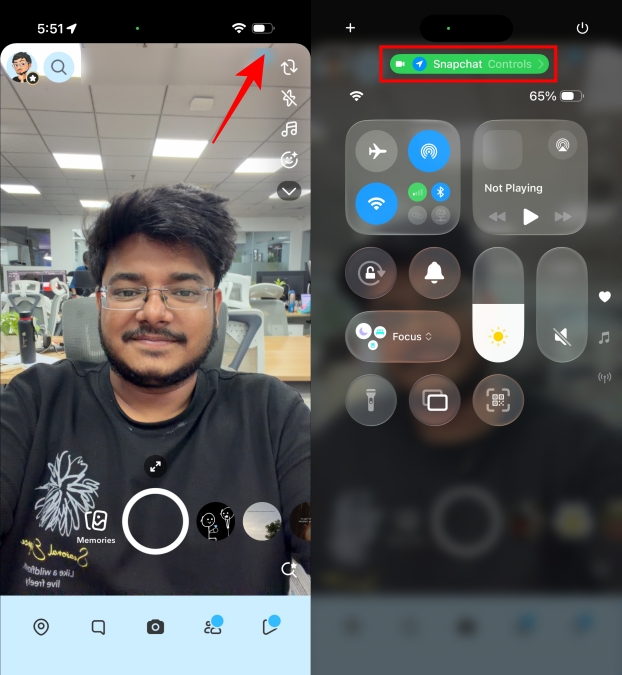
- Select the Portrait icon, ensuring it highlights in white.
- Your Snapchat camera will blur everything except your face.
- Use the arrow icon to adjust the blur effect by dragging the slider.
- Explore additional features like Studio Lights, Reactions, and Centre Stage through this method.
How to Turn off Portrait Mode on Snapchat?
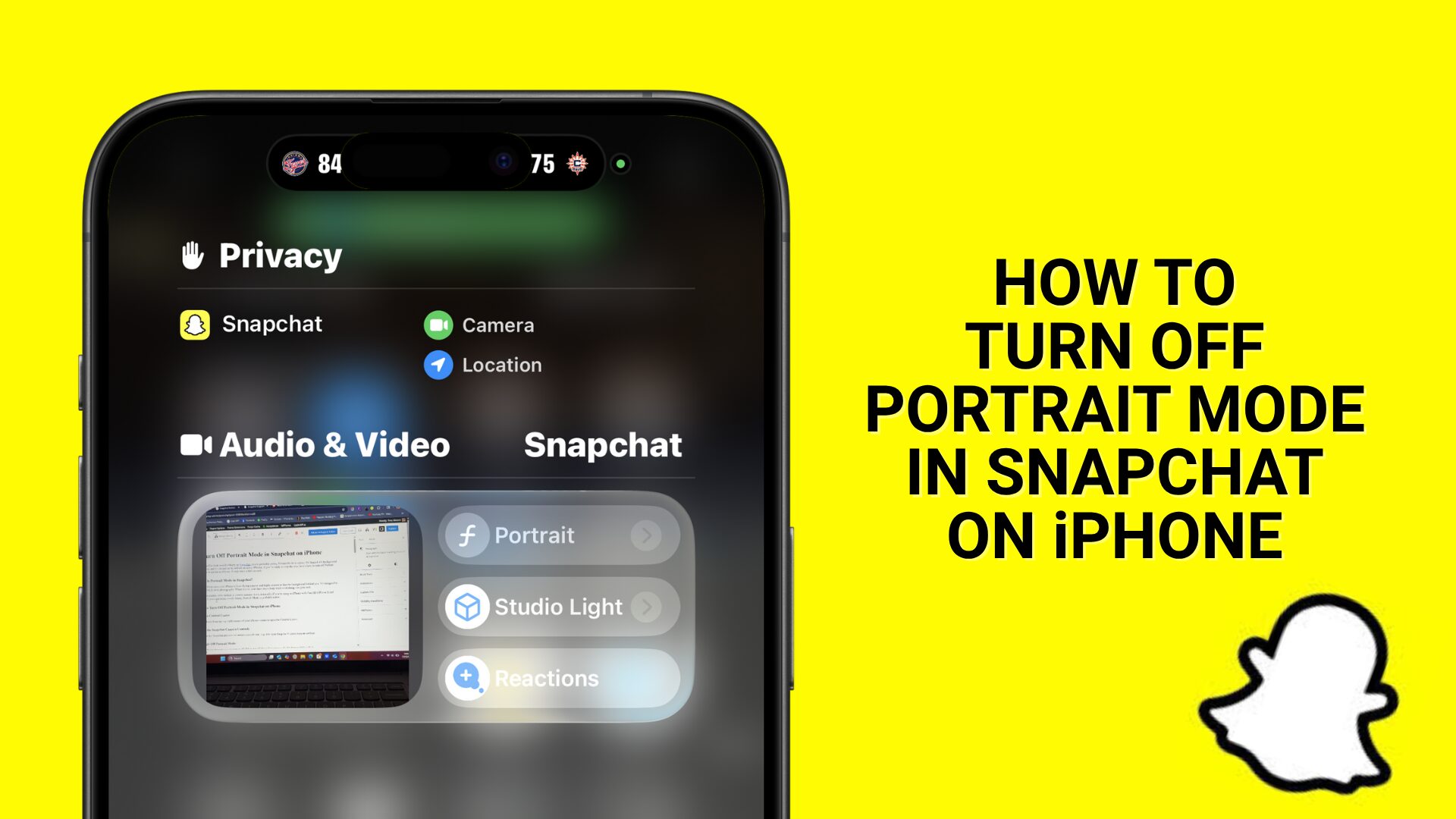
By following these simple steps, you can easily turn off Portrait Mode on Snapchat.
- Open the Snapchat camera.
- Swipe down from the top right to access the Control Center.
- Tap on Snapchat Controls at the top of the Control Center.
- Press the Portrait icon to disable it.
Read More: What Are Tiny Snaps in Snapchat | How to Use Them
Conclusion
How to Get Portrait Mode on Snapchat is a straightforward process that enhances your photography experience within the app.
This feature not only makes your selfies look more professional but also adds a unique flair to your snaps.