How To Scan Qr Codes On Snapchat | A Step-By-Step Guide
Ever wondered how those colorful QR codes on Snapchat connect you to endless fun and creativity? Knowing how to scan QR codes on Snapchat is essential for accessing everything from special filters to hidden features, including the captivating Snapchat planets.
This tutorial will equip you with the tips you need to seamlessly integrate these codes into your social media adventures. Embrace the magic of Snap planets and transform how you interact on Snapchat!
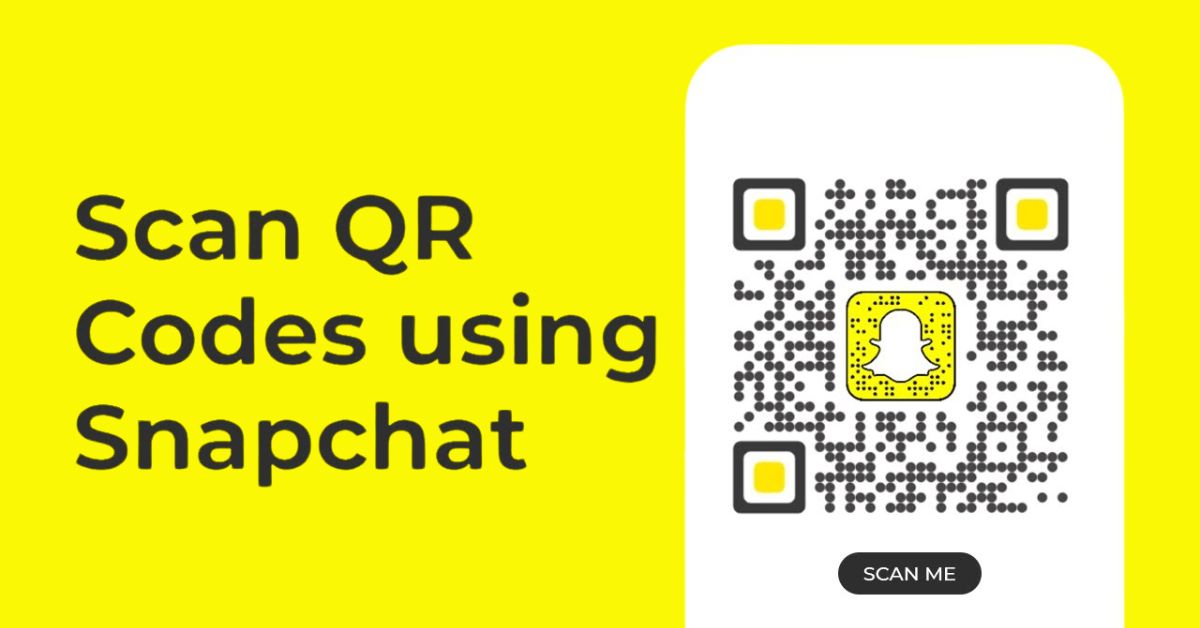
Scan Qr Codes Using Snap Camera
To scan QR codes using Snap Camera within Snapchat, ensure your camera tab is open.
- First, navigate to the camera tab through the bottom navigation bar.
- If you’re currently on the front-facing camera, simply tap the switch camera icon located at the top right of the screen.
- Now, aim your camera at the desired Snapcode, keeping it steady for a few seconds while the app processes the image.
- Once recognized, a notification will appear at the top, tap on “Open” to access the linked content seamlessly.
Scan Snapchat Snapcode From Gallery
Snapchat can now scan Snapcodes from your photo gallery, making it easier to connect with friends and find new accounts. This feature, once hidden in settings, is now found in the Add Friend section.
- To use it, go to the Spotlight tab and click the Add Friend icon in the top right.
- ap the Snapcode icon next to the search bar, select a photo from your gallery, and the app will scan it instantly.
This makes social interactions easier, whether it’s a friend’s Snapcode from a night out or one found online. If the scan doesn’t work, check if the photo is clear and well-lit to improve chances. Using this feature simplifies connections and encourages creative sharing of Snapcodes.
Conclusion
Mastering how to scan QR codes on Snapchat is not only straightforward but also incredibly rewarding. This handy feature allows you to connect with others and access various functionalities that add depth to your social interactions.
With practice, you’ll find it easy to scan codes, whether they’re shared in person or online. Don’t hesitate to explore the different ways QR codes can enrich your Snapchat experience. Start scanning today and see what exciting content awaits you!
FAQs
Can I scan QR codes from my camera roll?
No, Snapchat only scans QR codes directly through the camera view. You cannot upload images from your camera roll.
What if the QR code won’t scan?
Ensure that the code is well-lit and clearly visible. Adjust your distance and angle, and try again.
Can I scan QR codes while using other apps?
No, you need to be in the Snapchat app to use the scanner. It won’t function in background mode or other apps.