How To Create My Ai Snaps On Snapchat | Best Guide
Did you know that millions of users are now transforming their Snapchat experience with personalized AI-generated images? Learning how to create my AI Snaps on Snapchat can elevate your storytelling and make your posts stand out in a crowded feed.
By mastering this feature, you can tap into the exciting world of Snapchat planets and explore your creativity like never before.
Discover essential tips and tricks that will have your friends asking how you captured those stunning snap planets.
What Is My Ai Snaps Feature In Snapchat?
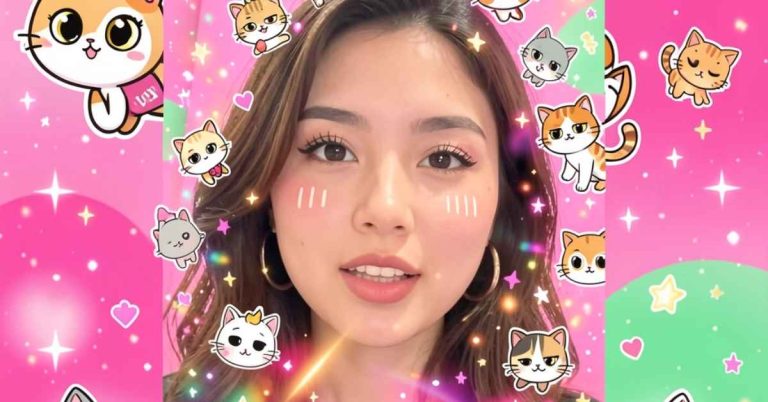
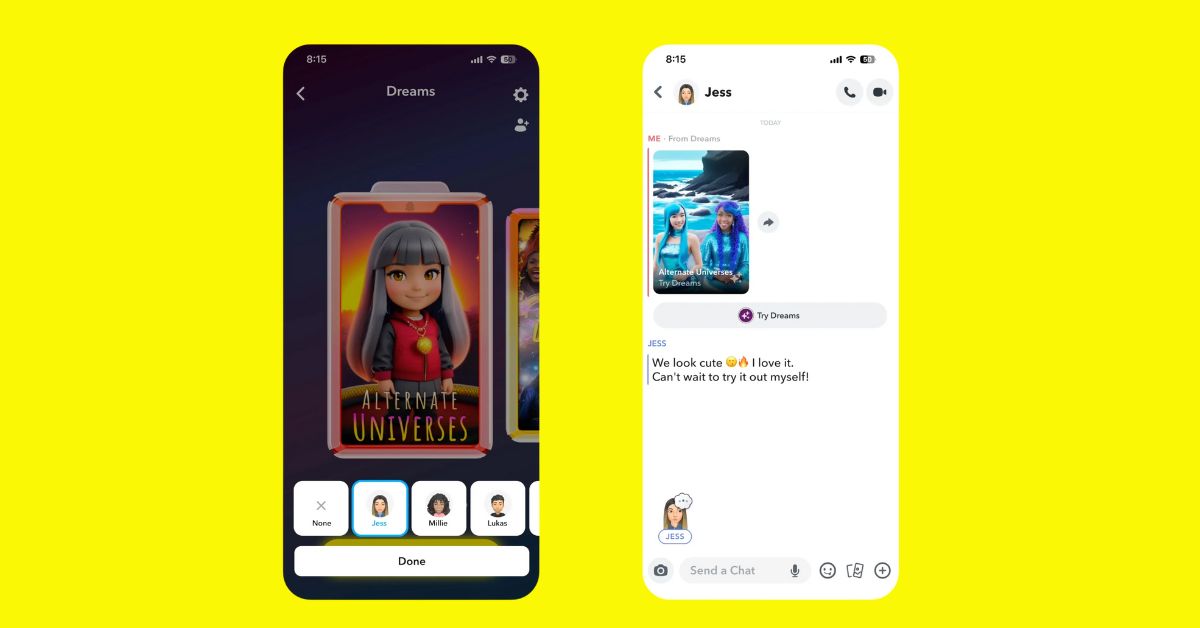
My AI Snaps is an innovative feature in Snapchat that harnesses the power of artificial intelligence to generate images based on your text prompts.
This allows users to tap into their creativity,crafting unique visuals that can be further customized with various filters and captions, just like traditional Snaps.
Once you’ve perfected your AI-generated masterpiece, you can easily share it with friends or showcase it in your story, making it a fun way to engage with your audience.
Currently, access to My AI Snaps is exclusive to Snapchat+ subscribers and primarily limited to users in the U.S. This geographic restriction can be frustrating for international users eager to explore this cutting-edge technology.
When we tested the feature using a VPN, it entirely disappeared outside of the U.S., indicating Snapchat’s strict regional access controls.
How Does My AI Snaps Work?
AI Snaps operates by harnessing advanced algorithms to transform your creative ideas into stunning visuals. Whether you choose from a library of pre-curated prompts or unleash your imagination by crafting your own, the process is designed to be both intuitive and entertaining.
The joy of inputting quirky or whimsical prompts often leads to unexpected and delightful results, showcasing the AI’s capacity to interpret humor and creativity in ways that continually surprise users.
The depth of detail you add to your prompts can significantly influence the generated images. By incorporating specific styles, moods, or character traits, you can guide the AI to produce visuals that closely align with your vision.
How To Create Images With My Ai Snaps
Creating stunning images with AI Snaps is a straightforward yet immersive experience.
- Start by opening the Snapchat app and going to the camera tab.
- Tap the AI icon to open creative options.
- Use pre-set prompts or create your own instructions.
- Wait patiently for the AI to generate your image; complex prompts may take longer.
- Enjoy the anticipation as your creation comes to life.
- If you want, add filters or effects to enhance your image.
- If the result isn’t perfect, adjust your prompt and try again.
- Experiment and have fun with the process to express your creativity!
Conclusion
Understanding how to create my AI Snaps on Snapchat opens up a world of personalized creativity and fun. With the simple steps outlined in this guide, you can easily enhance your snaps by leveraging AI technology.
Whether you’re aiming for a unique selfie or an engaging story, these tools empower you to bring your vision to life.
Remember to explore different features and experiment with various styles to make your snaps truly one-of-a-kind. So go ahead, unleash your imagination, and start creating your AI-infused masterpieces today!
FAQs
Can I customize my AI Snaps?
Yes, Snapchat offers various customization options, allowing you to modify settings like colors, themes, and stickers.
How can I share my AI Snaps with friends?
Once you create an AI Snap, you can share it directly through Snapchat or save it to your device to share across other platforms.
Are there any specific requirements to create AI Snaps?
Make sure your Snapchat app is updated to the latest version for the best experience and access to all AI features.