How To Create Polls On Snapchat | Detailed Guide
Did you know that Snapchat has become a powerful tool for gathering opinions and engaging with friends? Learning how to create polls on Snapchat not only enhances your interactions but also keeps your followers involved in your world, much like the captivating Snapchat planets that orbit your stories.
By diving into this topic, you’ll discover how easy it is to tap into the fun of Snap planets and make your communication more dynamic. Get ready to transform your social presence with easy-to-follow steps!
How To Create Polls On Snapchat
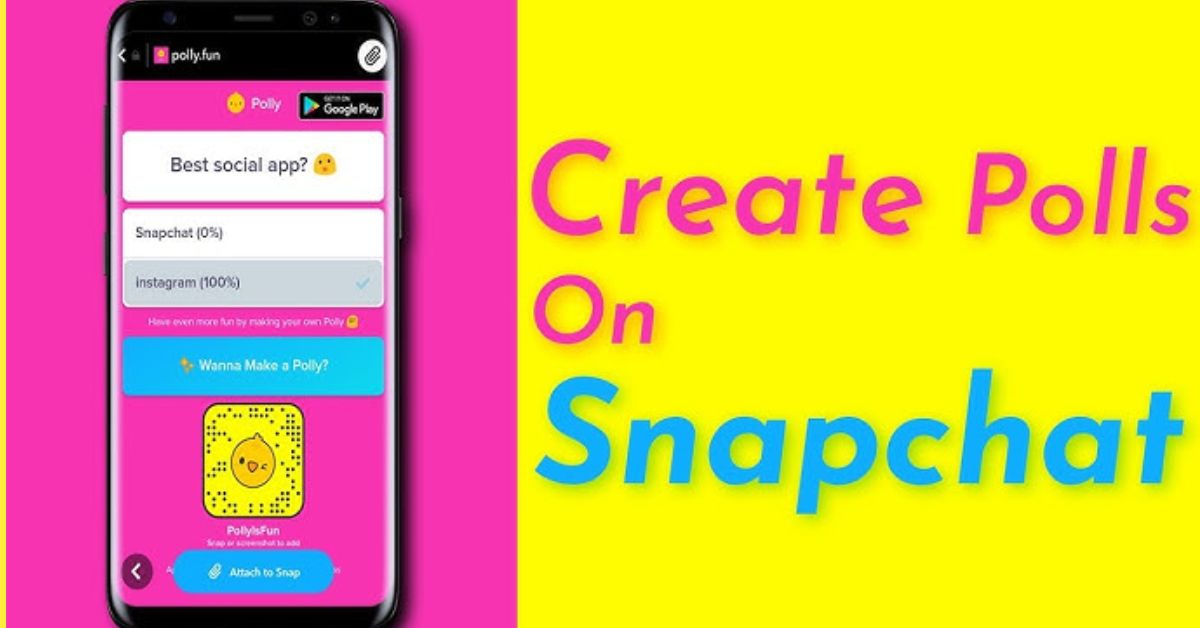
Creating engaging polls on Snapchat is a great way to interact with your friends and gather their opinions.
- Open Snapchat and take a photo or video.
- Tap the Stickers button on the right.
- Choose the Poll button (yellow graph icon).
- Type your question in the “Ask a Question” section.
- Customize emojis to fit your theme.
- Adjust the poll’s size and position by pinching and dragging.
- Share your poll when your friends are most active.
- Keep questions short and fun.
How to View and Share Snapchat Poll Results
After creating a Snapchat poll, the most exciting aspect is diving into the results.
Method 1: From Friend’s Chat Screen
If you’ve recently shared a Snapchat Poll with a friend, checking the engagement is a breeze.
- Open the chat with your friend.
- Find the snap with the poll and tap the “View Poll” button.
- See the total votes and individual responses by selecting the options.
- Sharing the results is easy: click the “Send Results” button.
- Take a new snap to show the insights.
- This keeps your friends updated and makes your stories more engaging.
- Use poll results for fun debates or planning group activities to encourage interaction.
Method 2: From “My Stories” Section
To check your Snapchat poll results, go to “My Stories” and select the relevant story.
iPhone users:
- Tap the poll sticker to see overall results at the bottom.
- Tap on poll options to view individual votes, showing what your followers prefer.
- This feature boosts engagement and builds community.
Android users:
- Long-press the Poll sticker to open a menu and find results.
- Tap the three dots at the top right to see overall results and individual votes.
- Detailed feedback helps creators tailor their content to audience interests.
To share insights, tap the Send Results button and creatively capture this information in a new snap to keep your audience informed.
Conclusion
Knowing how to create polls on Snapchat opens up new avenues for engagement and creativity. This feature not only invites your friends’ opinions but also adds a playful element to your snaps.
From collecting feedback for your next big project to simply enjoying lighter conversations, polls can foster deeper connections with your audience.
Embrace the fun of polling and see how it can elevate your Snapchat experience. Start today and create polls on Snapchat to leave your mark in the social media landscape!
FAQs
Can I add images or videos to my Snapchat poll?
No, polls on Snapchat can only be created with text. However, you can add images and videos to your snap background before adding the poll sticker.
How long does a Snapchat poll stay visible?
Polls on Snapchat are visible for 24 hours after being posted as part of your story.
Can I see who voted in my Snapchat poll?
Yes, you can view the total votes and see which friends voted, but individual responses are not shown.