How To Unlock A Locked Snapchat Account | 4 Methods
Did you know that millions of Snapchat accounts get locked every year due to suspicious activity or violation of rules? If you find yourself wondering how to unlock a locked Snapchat account, you’re not alone.
Navigating the app’s intricate world, often referred to as Snapchat planets, can be challenging, especially when your access is restricted. Understanding the steps to regain your profile can save you from the frustration of being locked out.
In this guide, you’ll learn the essential methods to unlock your account and explore tips for keeping your snap planets safe.
How To Unlock A Locked Snapchat Account
Unlocking a locked Snapchat account can be a frustrating experience, but following these methods can help you regain access swiftly.
Method 1: Send An Appeal To Snapchat
If you find your Snapchat account locked due to a minor breach of community guidelines, don’t panic, there’s a simple way to appeal the decision. Start by logging into your Snapchat account; once prompted, tap on “Appeal Decision.”
This action will send your request to Snapchat’s support team, who will review your appeal and respond via email. It’s essential to be patient during this process, as they take time to analyze the circumstances surrounding the lockout.
Waiting for a response, consider leveraging the “Download My Data” feature within the app. This allows you to retrieve important Snaps and photos you might want to save, particularly if the decision doesn’t favor you and your account faces deletion.
Engaging with Snapchat directly through this appeal process not only shows your willingness to adhere to their guidelines but also gives you a chance to advocate for your case. Remember, maintaining transparency and respect for community rules will strengthen your appeal.
Method 2: Reach Out To Snapchat Support
If you find yourself unable to access your Snapchat account and don’t have the option to appeal a decision, reaching out to Snapchat Support is your next best move.
- Start by navigating to the Snapchat support page on their website.
- Select “I can’t access my account.”
- Then choose “My account is compromised.”
- This step is crucial, as it informs Snapchat that your account may have been illegally accessed, which can help expedite the resolution process.
- Click on the “contact Support here” link.
- Proceed to select “My account is compromised” on the “Submit a request” page.
When filling out the form, ensure you provide all required details accurately, including your username, email address linked to the account, and any other relevant information. This will not only validate your identity but also assist the support team in understanding your situation better.
Don’t forget to check your spam folder for any responses, as sometimes important communication can end up there. By clearly explaining your issue and providing thorough details, you enhance your chances of regaining access to your account swiftly.
Method 3: Log In To Snapchat Web
If you find yourself locked out of your Snapchat account, trying the desktop version can be a hopeful alternative. Navigate to web.snapchat.com and enter your login details. Some users have reported success in accessing their accounts this way, even when the mobile app seems to restrict them.
If this method works for you, it’s crucial to tread carefully moving forward; excessive snapping or adding friends immediately could raise red flags and lead to another lockout.
Method 4: Wait For Your Account To Get Unlocked
If you’ve exhausted all other options for unlocking your Snapchat account, patience becomes your best ally.
Snapchat occasionally employs temporary locks as a security measure, meaning some accounts are automatically unlocked after a set period, though there’s no predetermined timeline for this.
Many users express frustration during this waiting phase, wondering if their accounts are lost for good, but the good news is that Snapchat often doesn’t delete accounts outright, offering a glimmer of hope.
Conclusion
Understanding how to unlock a locked Snapchat account is essential for users looking to regain access to their cherished memories and connections.
By following the outlined steps, including verifying your identity and reaching out to Snapchat support, you can effectively resolve account issues. Remember to review Snapchat’s community guidelines to avoid future complications that might lead to another lockout.
It’s imperative to always maintain safe operational practices on social media for a seamless experience. Now that you’re equipped with the knowledge, take action and unlock your account today!
FAQs
Why is my Snapchat account locked?
Accounts can be locked for various reasons, including unusual activity, violating community guidelines, or being reported by other users.
How can I tell if my account is locked?
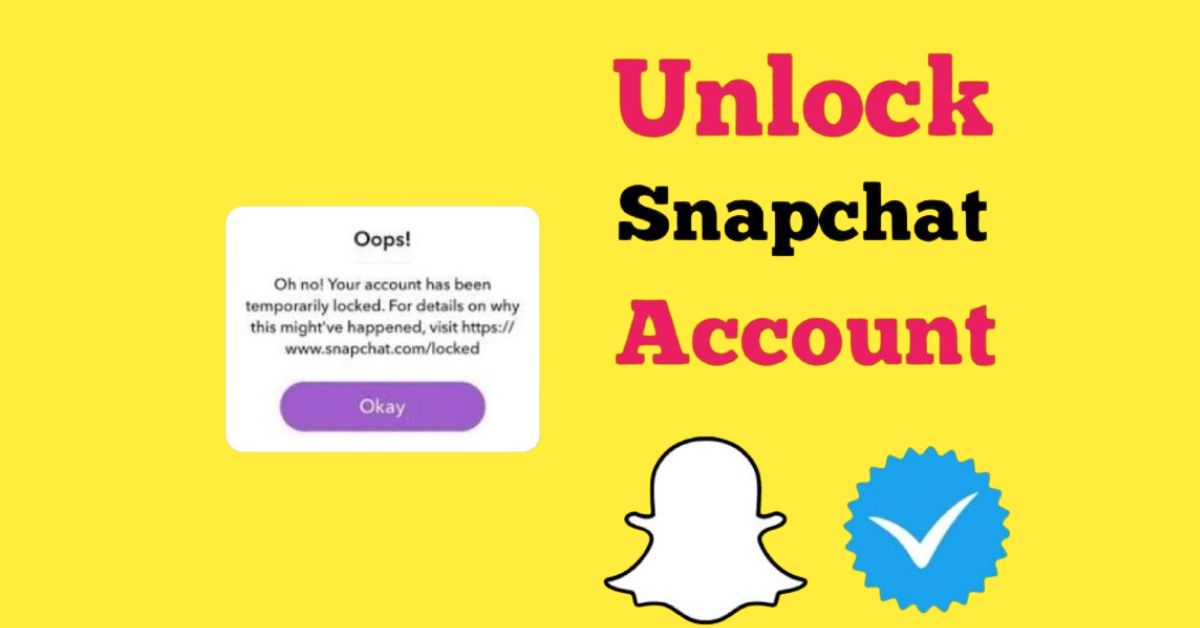
You’ll usually receive a notification upon logging in, indicating that your account has been temporarily or permanently locked.
Will I lose my data if my account is locked?
Generally, your account data should remain intact, but keep in mind that repeated violations may result in permanent data loss.